Your email address.
Your next voice call.
Talk and message one to one, without exchanging phone numbers. Start with the email address you already use.
Get MailCall on Google PlayFor Android · Internet connection required. Data charges may apply.

On a computer? Scan this code with your Android phone to open Google Play.
From an email address to a conversation
- Sign in with your own email
Use Google Sign-In or verify a link sent to an email address you own.
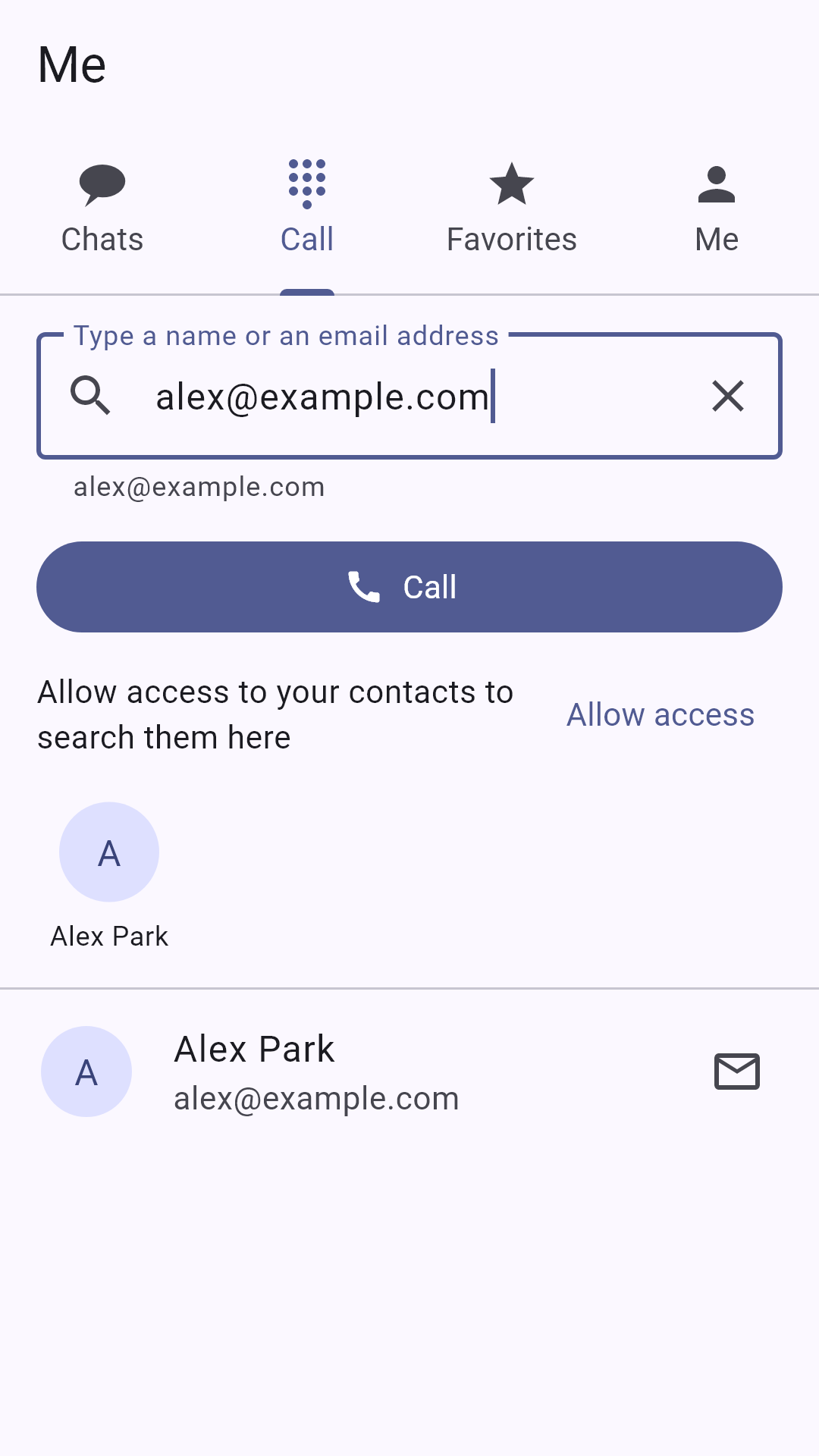
- Enter the person’s email address
Call a MailCall user, or choose to send an email invitation.
- Talk when the other person accepts
Invited guests verify their email and can call you from a supported browser, without installing the app.
Keep your phone number to yourself
An email contact can become a voice conversation. Useful for a quick discussion with a project partner or freelance collaborator.
Work and personal addresses, together
Add more than one verified email address and manage who can reach you, notifications, blocking and reports in the app.
Before your first call
Does the other person need the app?
If they use MailCall, call their verified email address. Otherwise, send an invitation: after verifying the invited address, they can call the person who invited them using a supported browser. An email address alone does not grant access to their microphone or place a call automatically.
Can I call regular phone numbers?
No. MailCall provides internet voice calls between its users and invited browser guests. It does not connect to the telephone network or emergency services.
What happens to calls and messages?
Calls are encrypted in transit and are not recorded. This version does not offer end-to-end encryption. Message history stays on your device; undelivered messages are deleted from the server after seven days. Deleting the app removes your local message history. Read the privacy policy
Is there an iOS app?
The published app is currently for Android. Invited guests can use a supported browser; microphone and audio support depend on the device and browser.
Join the early-user pilot
We are inviting adult collaborators to try an email-based conversation with a partner. Try your first call, then tell us where the experience worked or got in your way. Participation is voluntary; no rating or review is required.
This opens your email app. Nothing is sent until you choose to send it. Include only information you want to share; do not send passwords or verification codes. We use your reply to coordinate the pilot and answer your feedback.
Make your first call by email
Get MailCall on Google PlayFor ages 14 and above. Confirm age eligibility and the terms in the app before signing in.